
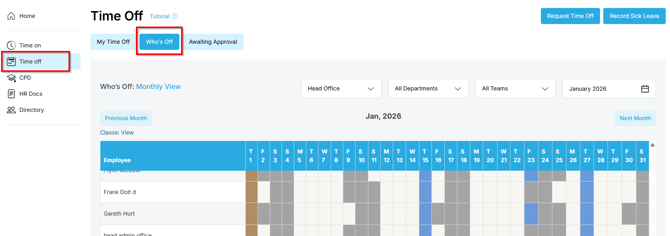
The Who's Off calendar
- The Who's Off calendar shows approved leave and public holidays. It's worth a glance before you request time off.
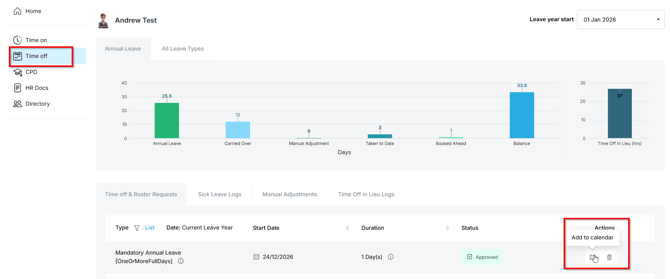
Add a single leave booking to your calendar
- In your Time Off logs, find the approved request and click the Add to calendar icon under Actions.
- This downloads a calendar file (.ics). Open it and the booking is added to your default calendar - Outlook, Google or Apple.
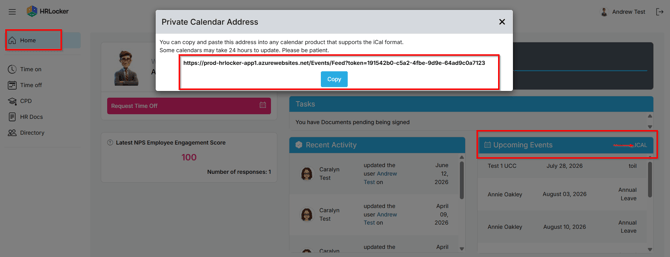
Link your HRLocker events to Outlook
- On your Dashboard, find the Upcoming Events section and click the iCal feed link.
- Copy the link.
- In Outlook, open the Calendar and click Add calendar.
- Choose Subscribe from web, paste the iCal link, give the calendar a name and click Import.
- Using classic Outlook for desktop? Go to File, then Account Settings twice, open the Internet Calendars tab, click New, paste the link and click Add.