
The CPD section lets you do two things: record training you've already completed, and request training you'd like to do. Both need to be switched on by your company, so if you can't see the buttons below, ask your manager.
Record training you've completed
-
Open CPD and click Register my own Training.
-
Pick an existing training item from the dropdown if one matches. If not, create a new one - give it a descriptive name others could reuse.
-
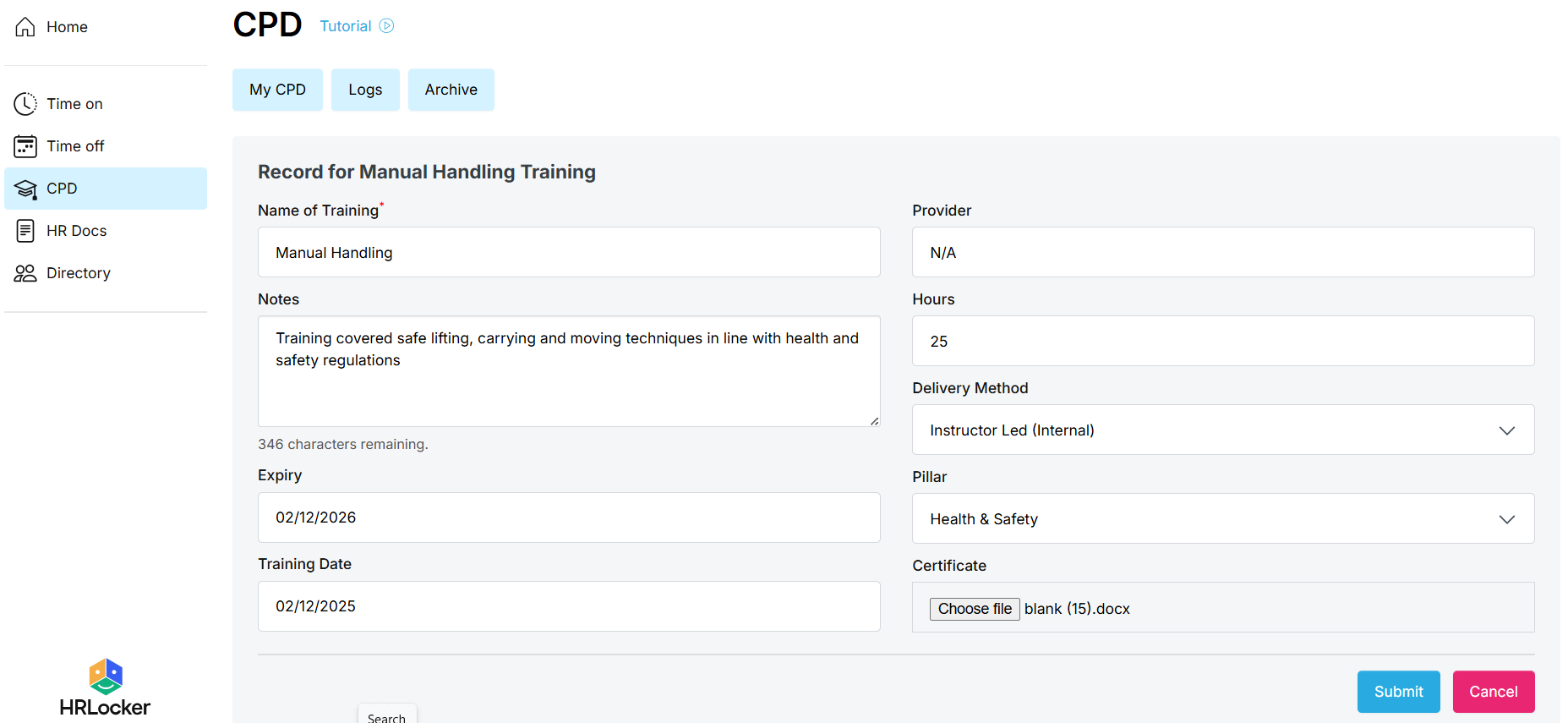
Fill in the details: date, duration, provider and a short description.
-
Upload your certificate if you have one.
-
Submit. Your record goes to your CPD validator, who confirms it or sends it back with feedback for you to fix and resubmit.
Request new training
-
Open CPD and click Request my own training.
-
Choose an existing course, or describe the training you need.
-
Your manager reviews the request. If it's approved, the training is added to your CPD for you to complete, and you update it once it's done.
Tips
-
Check for an existing course before creating a new one - it keeps everyone's records consistent.
-
Accurate details and an attached certificate make validation quicker.