
- Log into HRLocker as an Admin
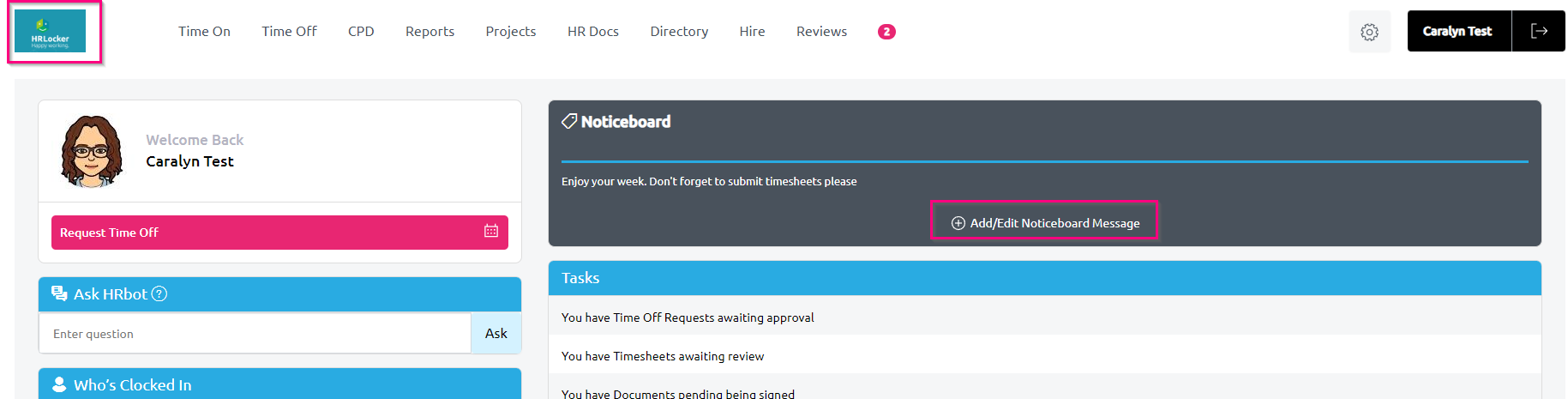
- Navigate to the Dashboard. This is the picture of your company logo on the top left of your screen.
- Click the 'Add/Edit Noticeboard Message Button
- Enter your message and press submit
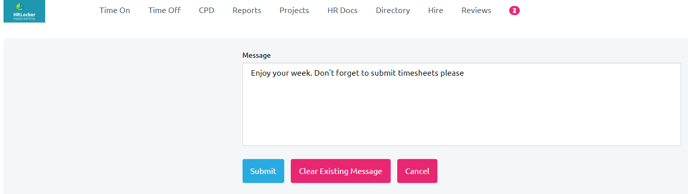
- You can also clear an existing message from here
- Your employees will be emailed with from HRLocker Systems with the subject Noticeboard Notification and the text of the email will be exactly what you wrote on the noticeboard